
Back to catalog
Automation / v2026.1

IPv6 Proxy Script V2 - Hosted

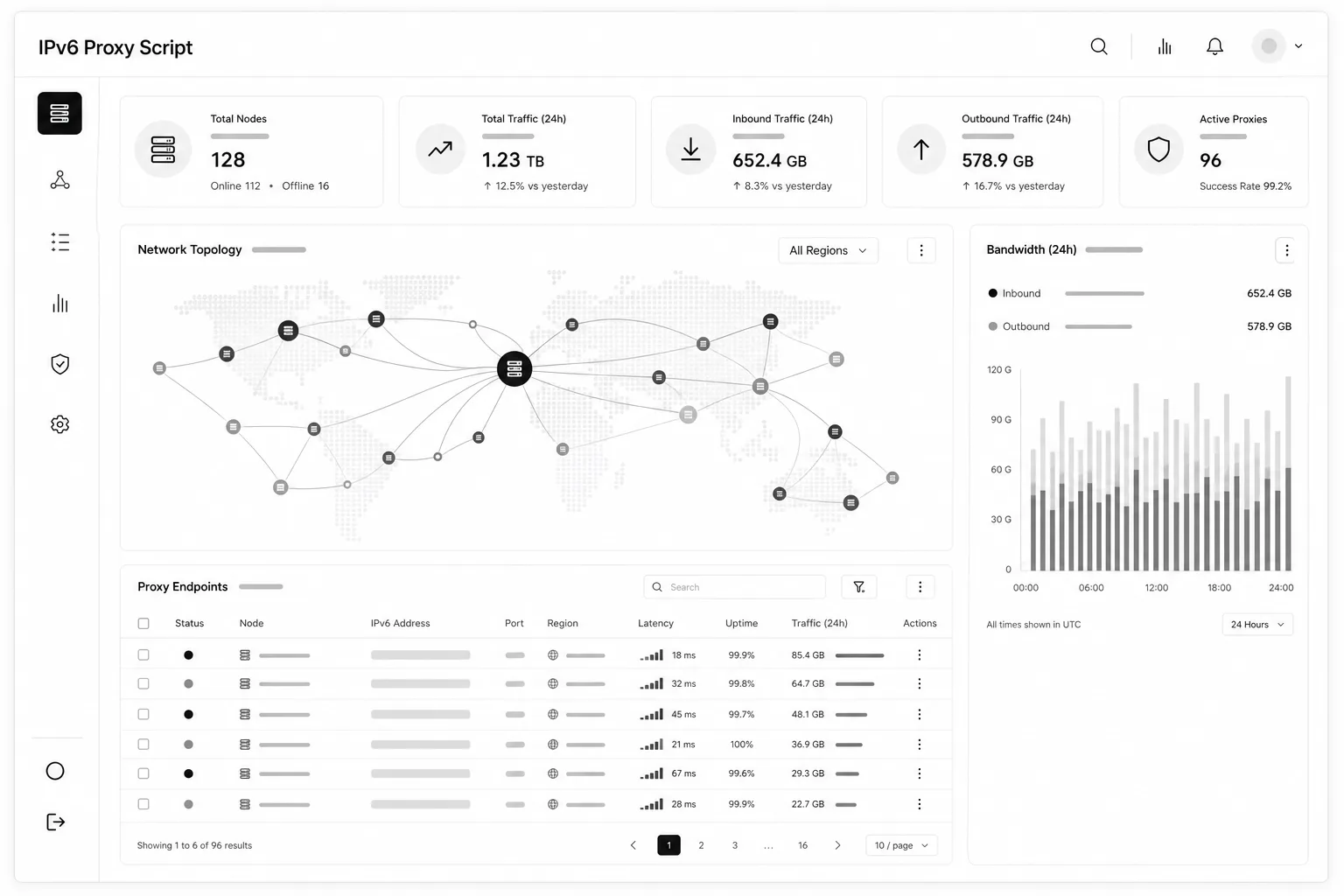
IPv6 Proxy Script V2 - Hosted (WeProxy IPv6 Panel) is a hosted IPv6 proxy management panel—install, server maintenance and panel updates are handled for you. Add servers over SSH, install the script from the panel, create HTTP/SOCKS proxies. Static, per-request or timed rotation; WiseCP/WHMCS and REST API for automation.

$40 / month
IPv6 Proxy Script V2 - Hosted profesyonel arayüz mockup'ı
01 / Product details

Hosted IPv6 proxy panel with no self-installation.

IPv6 Proxy Script V2 - Hosted (WeProxy IPv6 Panel) is a hosted IPv6 proxy management panel—install, server maintenance and panel updates are handled for you. Add servers over SSH, install the script from the panel, create HTTP/SOCKS proxies. Static, per-request or timed rotation; WiseCP/WHMCS and REST API for automation.

Who it is for

Resellers who want to start selling IPv6 proxies quicklyOperators who do not want to host the panel themselvesHosting companies with WiseCP / WHMCS stores
Platform
Web
Version
2026.1
License
Monthly
Price
$40 / month
02 / Features

What you get

Product capabilities in clear blocks.

01

Why Hosted?

Sign in to the panel instantly; infrastructure and updates are centrally managed.

  • Instant use: open the panel without VPS setup, PHP, database or SSL work
  • Managed infrastructure: panel updates and security patches applied centrally
  • Entitlement-based limits: server and proxy quotas per your package
  • 24/7 access: create proxies, rotate and query IPv6 from browser or API
02

Server management

Add IPv6-capable servers over SSH; connection tests and script install from the panel.

  • Per-server proxy capacity and location grouping
  • Connection test, script install and status tracking
03

Proxy creation and management

HTTP and SOCKS; static, per-request rotation or timed rotation.

  • Static IPv6: each port uses a fixed exit address
  • Per-request rotation: dynamic IPv6 from the prefix
  • Timed rotation: all ports refresh on your chosen interval
  • Port range, username, password and end date in one form
04

WHMCS / WiseCP and REST API

Ready modules and API docs for automated proxy sales.

  • WiseCP plugin downloadable from the panel
  • Swagger-style live API documentation
  • Endpoints for proxy create, IPv6 refresh and rotation updates
05

Included in Hosted

  • Hosted panel
  • All panel features (servers, proxies, API, IPv6 query)
  • WiseCP / WHMCS integration support
03 / Setup

Quick start

First steps after delivery.

  1. 01Purchase; you receive panel URL, username, password and IPv6 license code by email
  2. 02Open the panel URL and sign in with username and password
  3. 03In Settings, paste and save your IPv6 license code
  4. 04Servers → + Add Server: enter VPS details, then Install Script
  5. 05Use + Create Proxy to pick server, count and credentials