Back to catalog
Automation / v2026.1

IPv6 Proxy Script

IPv6 Proxy Script lets you run HTTP/HTTPS and SOCKS5 IPv6 proxies on Ubuntu 20.04 with rotating and refresh modes via a menu-driven script. Unlimited ports, TunnelBroker, whitelist/blacklist and multiple auth modes give full control. For professional / hosted needs, IPv6 Proxy Script V2 - Hosted is recommended.
$20 / month
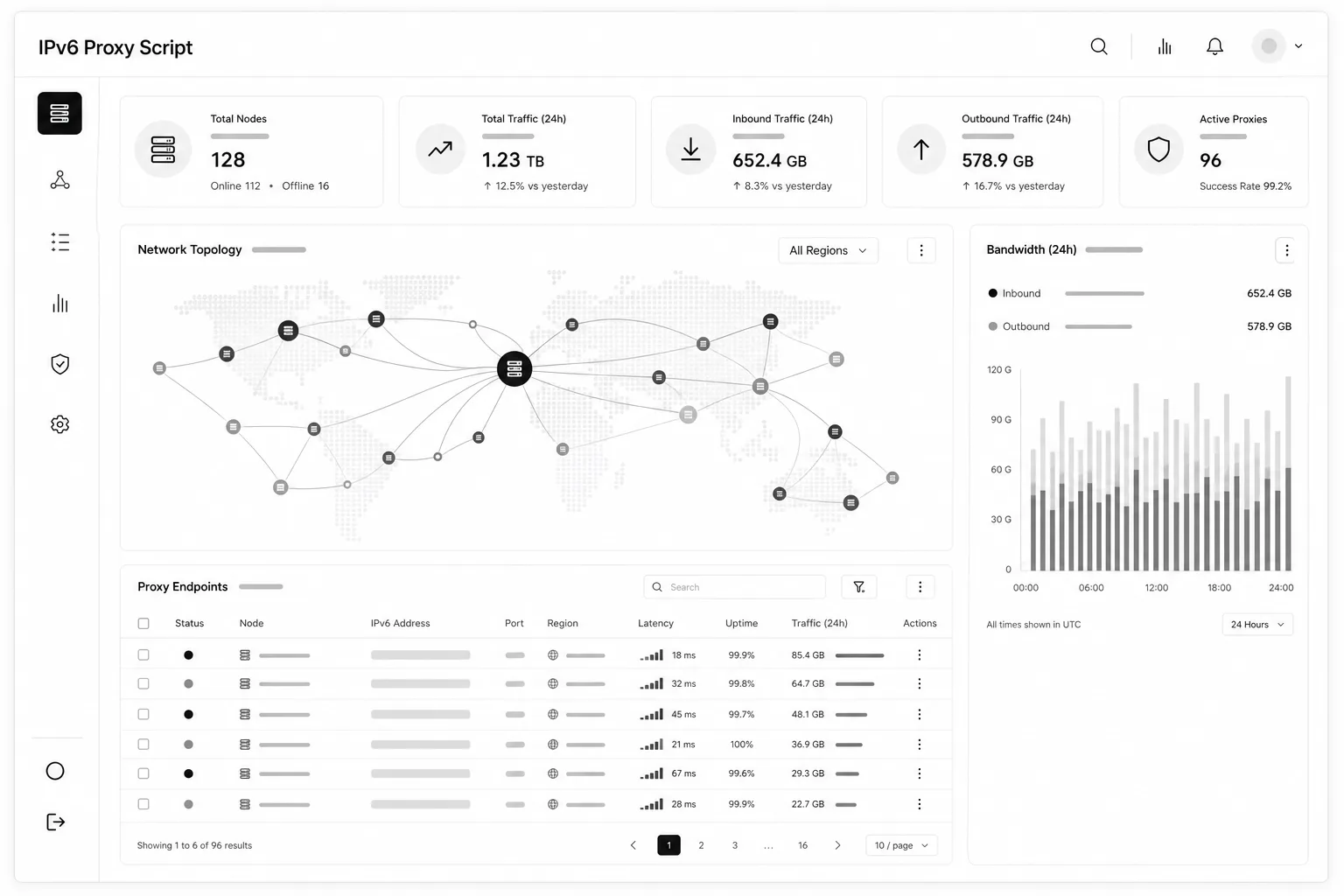
IPv6 Proxy Script profesyonel arayüz mockup'ı
01 / Product details

Stand up your own IPv6 proxy network in minutes.

IPv6 Proxy Script lets you run HTTP/HTTPS and SOCKS5 IPv6 proxies on Ubuntu 20.04 with rotating and refresh modes via a menu-driven script. Unlimited ports, TunnelBroker, whitelist/blacklist and multiple auth modes give full control. For professional / hosted needs, IPv6 Proxy Script V2 - Hosted is recommended.

Who it is for

Teams running their own IPv6 proxy poolsAutomation and scraping operatorsLinux server administratorsUsers needing multi-port / multi-auth scenarios
Platform
Linux
Version
2026.1
License
Monthly
Price
$20 / month
02 / Features

What you get

Product capabilities in clear blocks.

01

Core capabilities

Unlimited IPv6 proxy generation and management on Ubuntu.

  • Runs on Ubuntu 20.04 servers
  • Unlimited proxy generation with unlimited ports
  • HTTP or SOCKS5 proxy output
  • Create proxies from a chosen starting port
02

Authentication modes

Random, fixed, public and IP-protected access options.

  • Random mode: unique username and password per port
  • Fixed mode: same username and password on every port
  • Public mode: no credentials; IPV4:PORT only
  • IP-protected mode: per-port credentials plus allowlisted IPs only
03

Rotating, refresh and access rules

Schedule IPv6 changes, rotate per request, or restrict by site.

  • Refresh mode: change installed proxies’ IPv6 every N minutes you set
  • Rotating mode: change the proxy IPv6 on every request
  • Whitelist / blacklist: allow or block sites for proxy access
03 / Setup

Quick start

First steps after delivery.

  1. 01Upload the script file to your server
  2. 02Make it executable and start with: chmod 777 v6we1scriptproxy.we1 && ./v6we1scriptproxy.we1
  3. 03The script installs required components; enter your license in the menu (from the customer panel)
  4. 04Pick an action via the red menu numbers (1, 2, 3, 4, 5, 0) and press Enter
  5. 05For parameters / external API integration: ./v6we1scriptproxy.we1 --h