
Advanced fingerprint masking
Masks Canvas, WebGL, AudioContext, fonts and hardware traits; builds consistent identities from a real-device database.
- Simulate Windows, macOS, Linux, Android and iOS
- Unique digital identity per profile
weBrowser is a next-generation anti-detect browser for identity protection, multi-account management and automation. Each profile gets an isolated digital fingerprint with no profile limit. Ecommerce, marketing, social and ads teams can run hundreds of accounts from one PC. Cookie warm-up, per-profile proxies and automation live in one workspace.
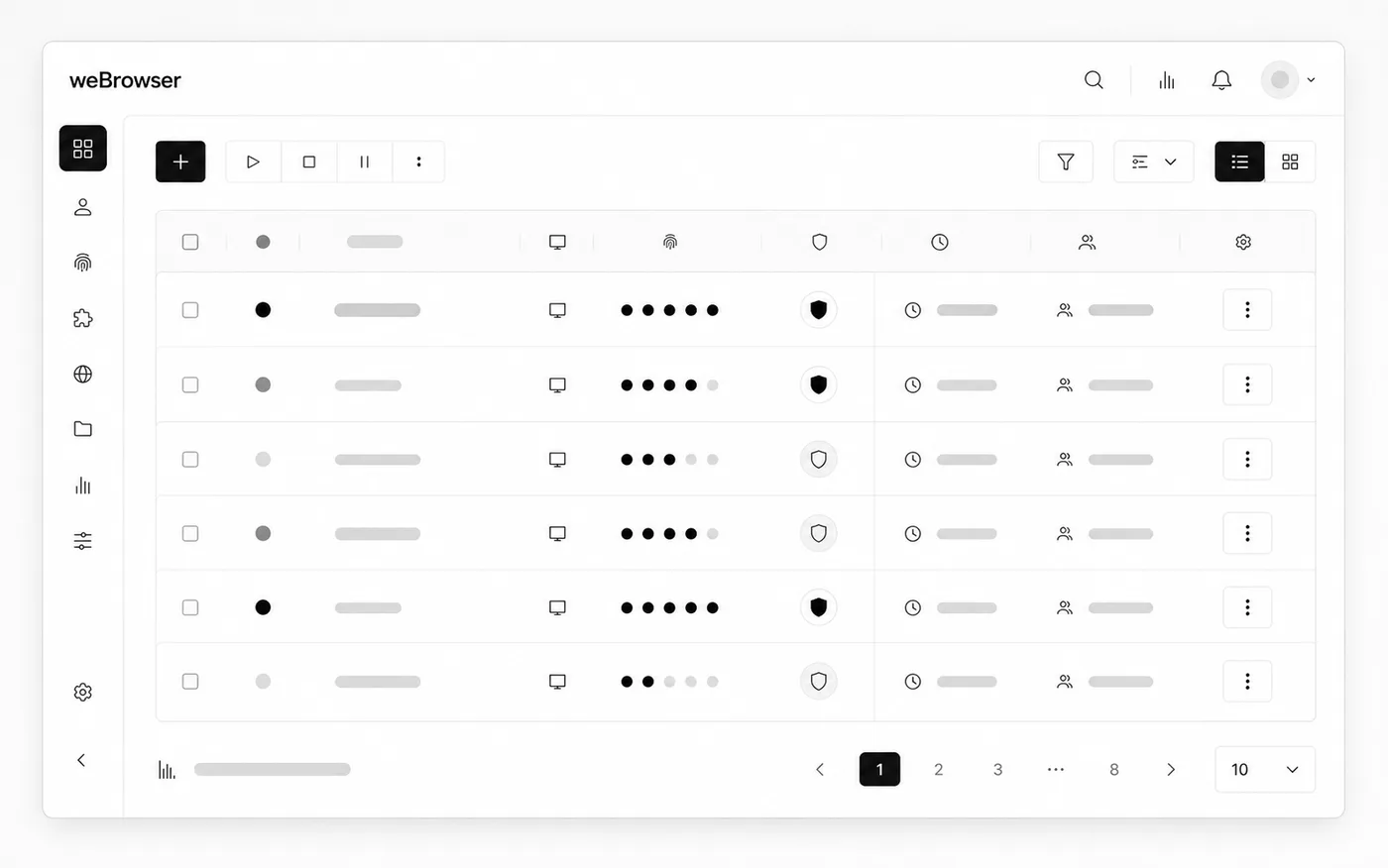
weBrowser is a next-generation anti-detect browser for identity protection, multi-account management and automation. Each profile gets an isolated digital fingerprint with no profile limit. Ecommerce, marketing, social and ads teams can run hundreds of accounts from one PC. Cookie warm-up, per-profile proxies and automation live in one workspace.
Product capabilities in clear blocks.
Masks Canvas, WebGL, AudioContext, fonts and hardware traits; builds consistent identities from a real-device database.
Android/iOS-optimized profiles with logical pixel scaling and touch-event simulation for a natural mobile view.
Before ops, auto-visits chosen sites to build cookie history and raise trust score. Supports JSON import/export.
Each profile runs in its own cookie, cache and local-storage capsule—a leak in one never touches the others.
HTTP, HTTPS and SOCKS5 with automatic username/password auth. Assign a distinct proxy per profile to avoid IP overlap.
No profile limit. Run many isolated digital identities from one device for ecommerce, digital marketing and social media.
Generate automation scenarios from a single prompt, or turn ready JavaScript (.js) into a professional bot.
Spread tasks across hours, days or periods; run airdrop, game or farming jobs 24/7 without intervention.
First steps after delivery.
Legal notice: Use of this software in line with target sites’ terms of service and applicable law is solely the user’s responsibility. The user bears all legal liability for spam, unauthorized access, service disruption or other misuse. The developer is not liable for restrictions or legal violations arising from how the software is used.